The AI tools that help real estate agents most do one of seven jobs: answer new leads, follow up, write listing copy, stage photos, handle paperwork, book showings, or help with everyday writing. Below are 22 real tools, grouped by job, with the price from each vendor’s own page.
Prices checked October 2026. Each price below was read on the vendor’s own pricing page on October 26, 2026, and each screenshot was taken that day. We have not tested these tools for this page, we are not paid by any of them, and we do not rank them. Where a vendor hides its price, we say so.
Start with the job, not the tool. Write down what you repeat every week: replying to new leads, chasing old ones, writing listings, editing photos, collecting signatures, booking showings. Then pick the one that loses you the most deals or the most hours.
Check what you already pay for. Many brokerages give agents a CRM, a transaction system and a showing tool. Adding a second CRM on top of the one your office provides is the most common way agents waste money on AI.
Try one tool at a time, for two weeks, on real work. Keep a person approving anything that goes to a client or the public. Add the next tool only when the first one runs without you watching it.
Lead response and chat
These tools answer a new lead by text, chat or phone within minutes, ask the first questions and hand the warm ones to you. Speed matters here more than anywhere else. The catch: texting and calling leads is covered by federal calling rules, so consent comes first.
Ylopo
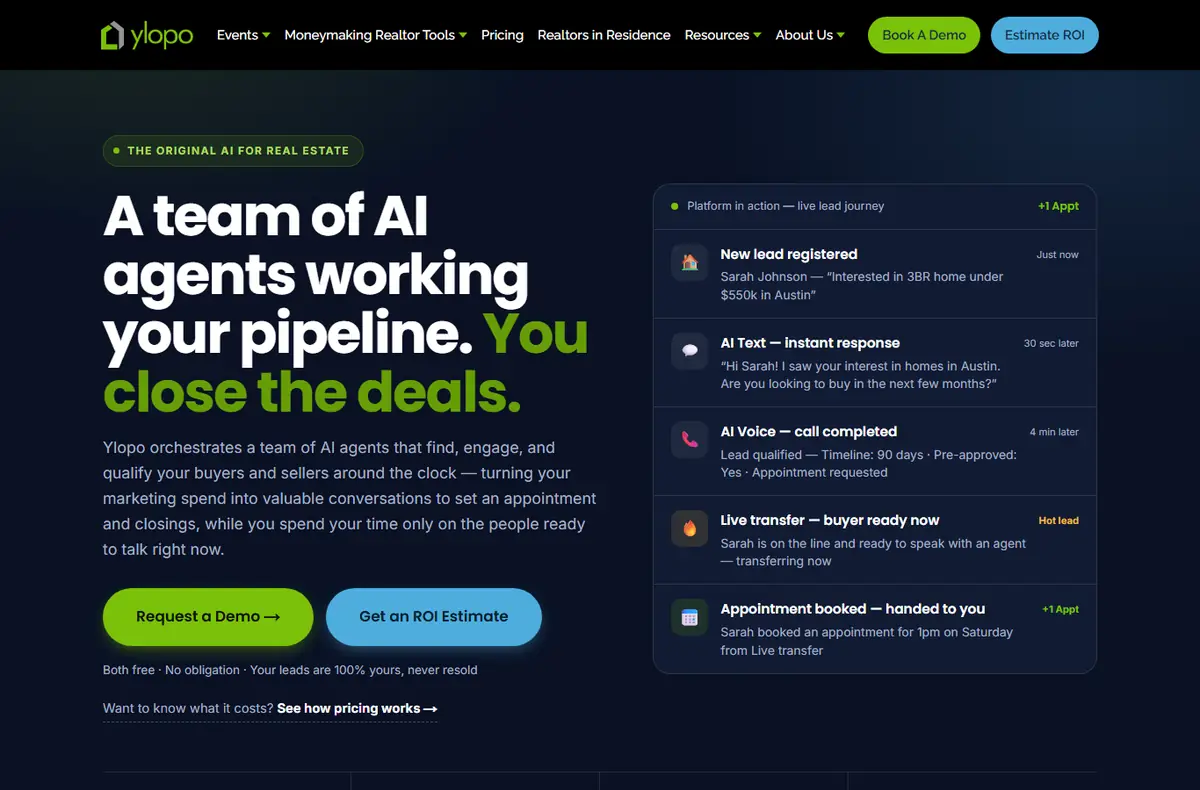
What it does: Runs ads, a branded home-search site and AI text and voice that follow up with every lead and hand live ones to your team.
Who it is for: Agents and teams who want leads generated and worked for them, and will spend on ads.
Price: Three plans: Solo, Growing Team and a larger plan. Ylopo’s page says the price depends on your market, team size and lead types, and comes from a 20-minute call. No public dollar figure. See the price page.
Watch out for: Automated texts and calls need the lead’s consent under the TCPA. Check that the tool records consent and honors "stop".
What it does: An AI assistant that answers and follows up with leads by voice, text and email, and books appointments or transfers live calls.
Who it is for: Teams and brokerages with more leads than people to call them. Structurely now sells under the name 21X and serves other industries too.
Price: Platform fee plus usage. The pricing page lists Small Team and Large Team plans and says "Talk to Sales"; no dollar figure is shown. See the price page.
Watch out for: Automated texts and calls need the lead’s consent under the TCPA. Check that the tool records consent and honors "stop".
A CRM keeps every lead, note and message in one place and reminds you who to call. The ones below add AI on top: drafted texts and emails, lead scoring, or automatic nurture. Most charge per user, and the team plans are where the price jumps.
Follow Up Boss
What it does: A real estate CRM that pulls in leads from any source, with texting, email, calling and automations.
Who it is for: Solo agents up to large teams. Owned by Zillow.
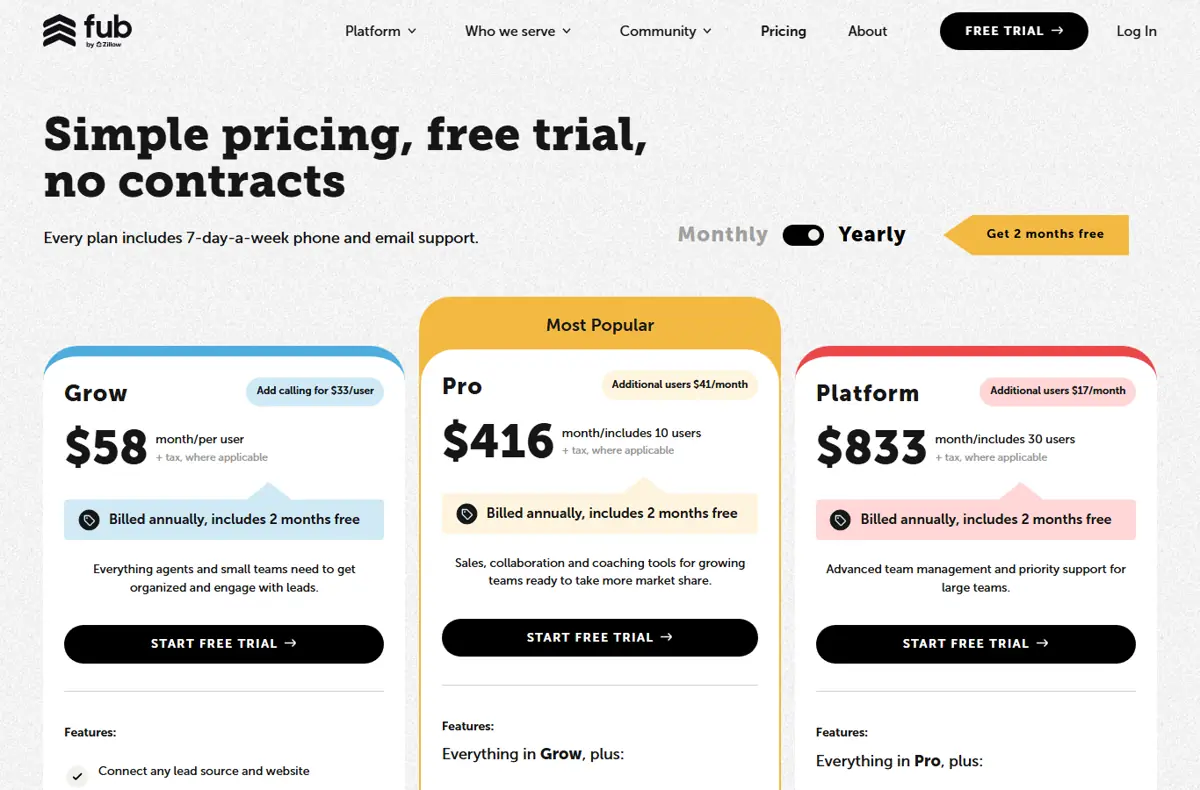
Price: Grow $58 per user per month, Pro $416 per month for 10 users, Platform $833 per month for 30 users, all shown billed annually. Calling is an extra $33 per user. 14-day free trial, no contract. See the price page.
Watch out for: Automated texts and calls need the lead’s consent under the TCPA. Check that the tool records consent and honors "stop".
What it does: An AI-powered CRM and marketing platform that, in Lofty’s words, automates marketing campaigns and helps capture and convert more leads.
Who it is for: Agents, teams and brokerages who want site, CRM and marketing in one login.
Price: The pricing page lists Lofty Agent, Team, Broker and Enterprise plans, and every one says "Request Pricing". No public dollar figure. See the price page.
Watch out for: Automated texts and calls need the lead’s consent under the TCPA. Check that the tool records consent and honors "stop".
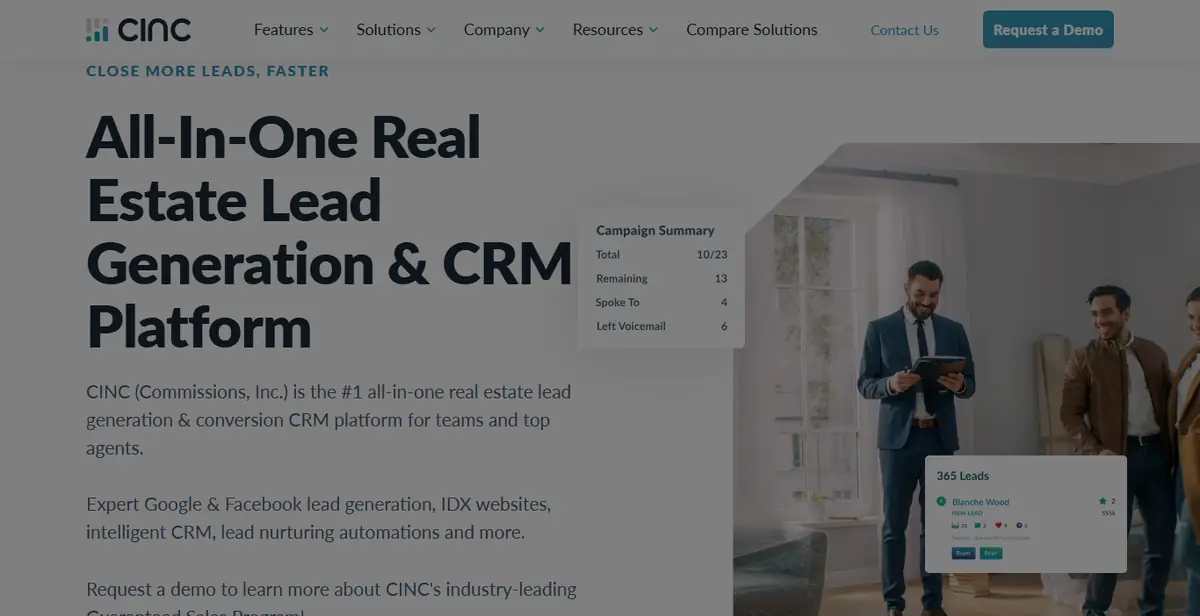
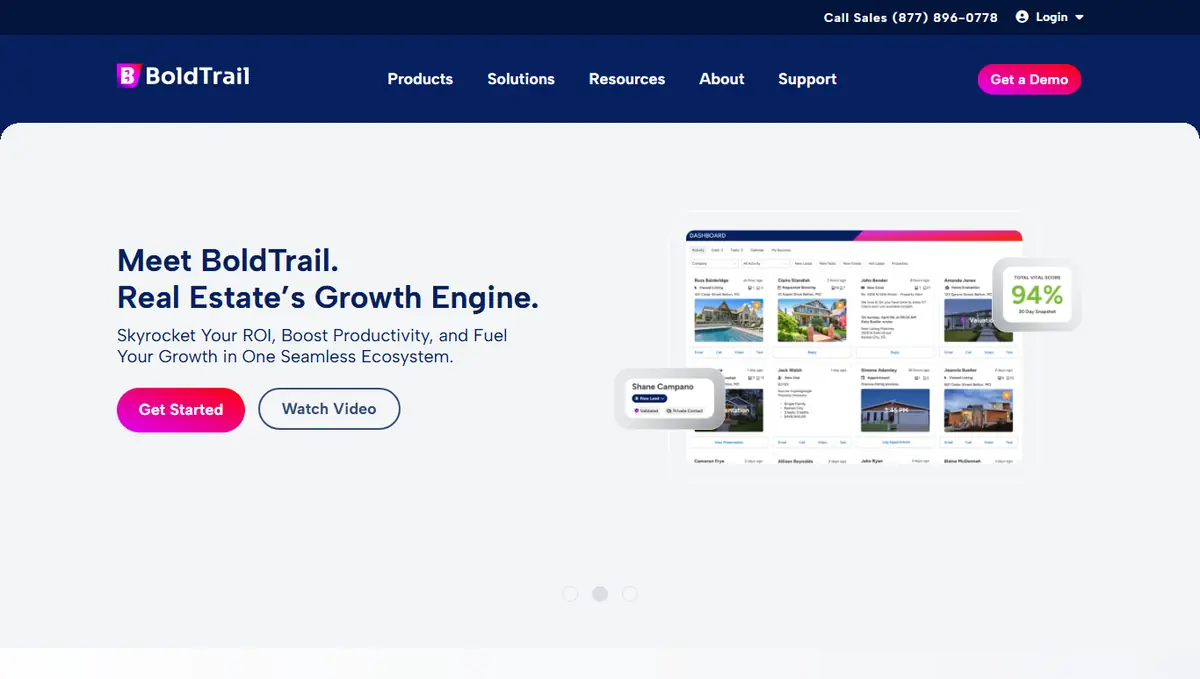
What it does: The platform that replaced kvCORE: CRM, websites and lead generation in one system, sold as an AI-powered growth platform and often bought by the brokerage.
Who it is for: Agents at brokerages that provide it, and brokerages choosing one system for everyone.
Price: The pricing link opens a "Watch demo & get pricing" form. No public dollar figure. See the price page.
Watch out for: Automated texts and calls need the lead’s consent under the TCPA. Check that the tool records consent and honors "stop".
These tools turn the facts of a listing into a description, social posts, emails and flyers. They save the most time per listing. They also carry the most fair housing risk, because AI copy can drift into describing the buyer instead of the home.
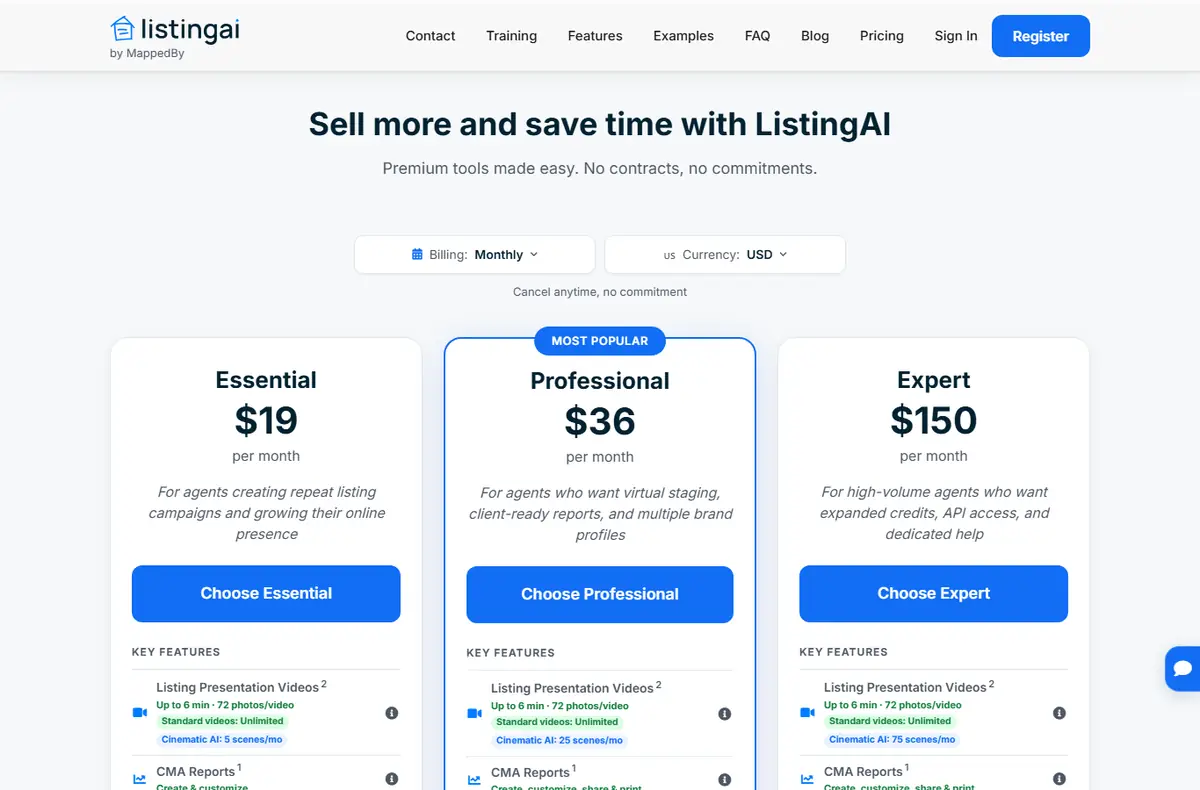
ListingAI
What it does: Listing descriptions, social posts, listing videos, CMA reports and virtual staging previews from your listing details.
Who it is for: Agents who make their own listing marketing.
Price: Essential $19 per month, Professional $36 per month, Expert $150 per month, billed monthly. "Cancel anytime, no commitment." See the price page.
Watch out for: Read every draft before it posts. AI copy can slip in phrases like "perfect for a young couple", which the Fair Housing Act treats as a preference. You own the words, not the tool.
What it does: A listing description generator plus social captions and email templates for agents.
Who it is for: Agents and teams who write a lot of listings and posts.
Price: Agent Essentials $25 per month (500 AI credits), Team Accelerator $250 per month, Brokerage $1,500 per month, monthly. 14-day free trial, no card needed. See the price page.
Watch out for: Write.Homes says its writing is fair-housing-safe. Still read every draft; you own the words, not the tool.
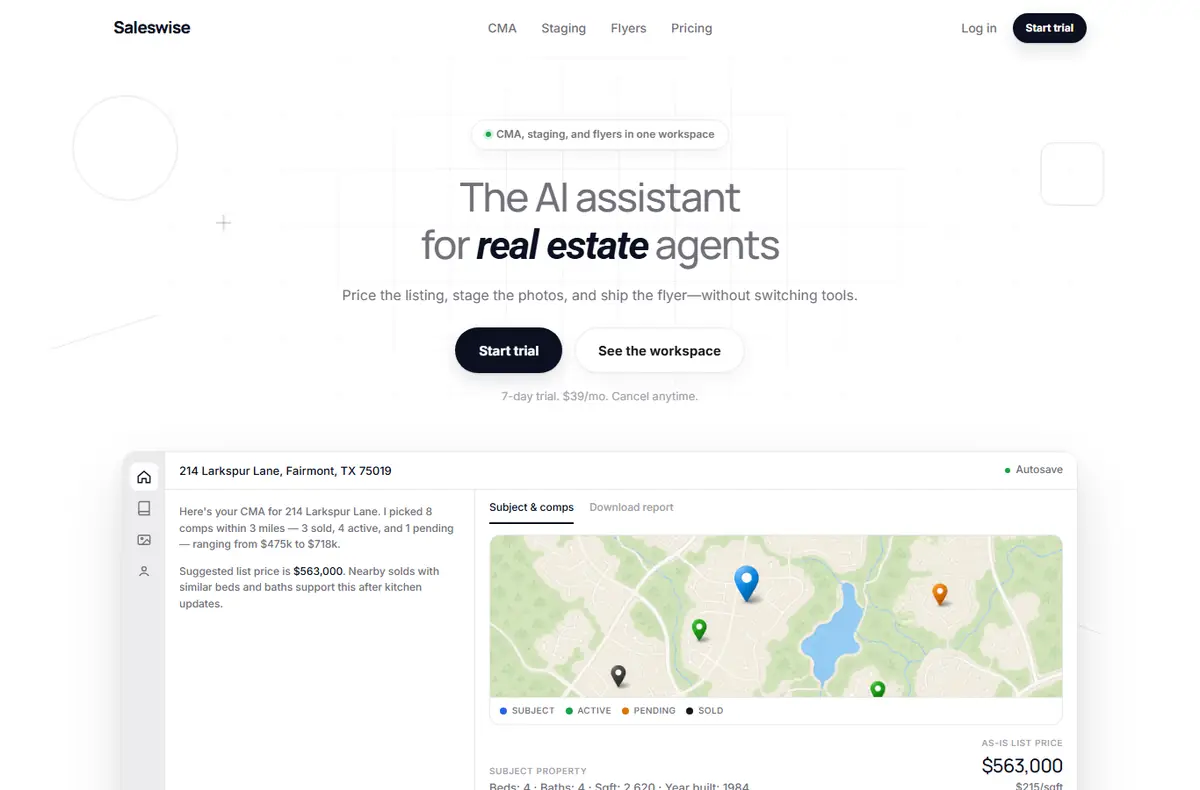
What it does: One workspace for AI CMAs, listing descriptions, virtual staging and flyers.
Who it is for: Solo agents who want CMA, copy and staging in one tool.
Price: $39 per month with a 7-day trial, as stated on the home page ("7-day trial. $39/mo. Cancel anytime"). See the price page.
Watch out for: Read every draft before it posts. AI copy can slip in phrases like "perfect for a young couple", which the Fair Housing Act treats as a preference. You own the words, not the tool.
Virtual staging adds furniture to empty rooms in a photo. Some tools do it with AI in seconds; BoxBrownie is a human editing service priced per image. Many MLSs have rules about altered photos, so label staged images and keep the originals.
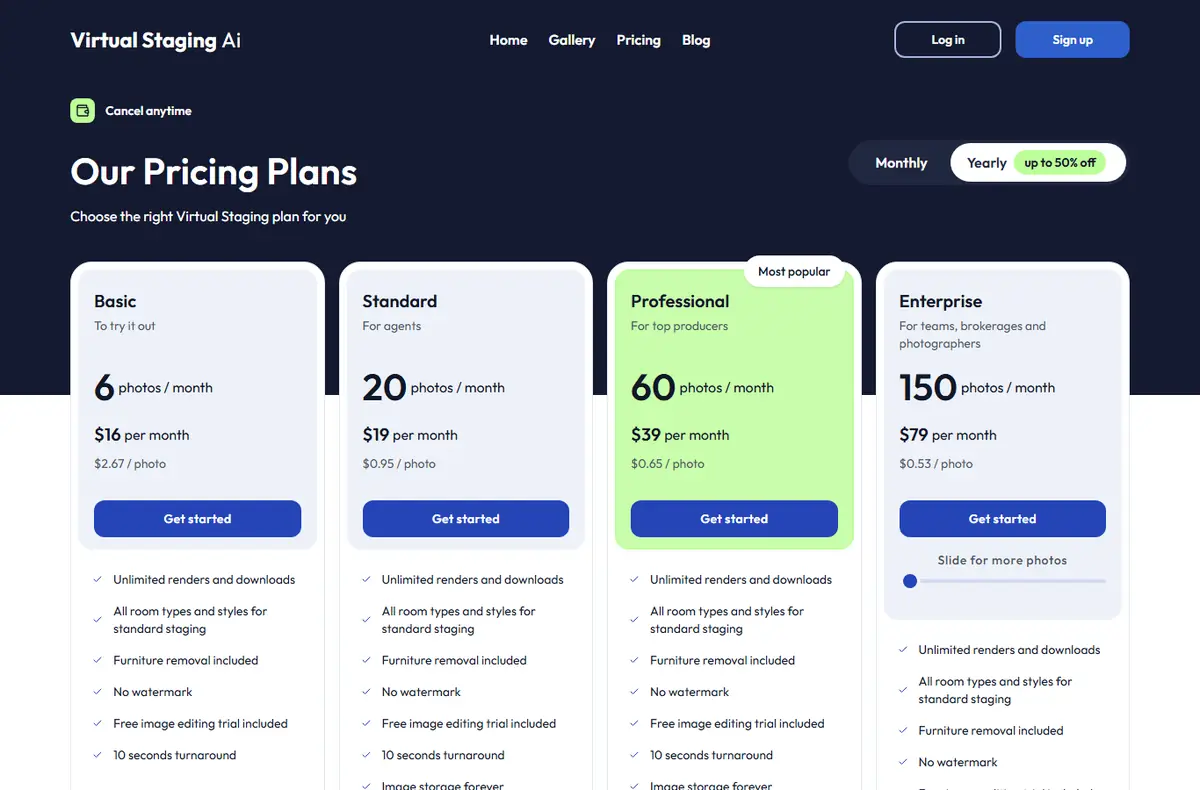
Virtual Staging AI
What it does: Upload a photo of an empty room and get it furnished in about 10 seconds, in the style you pick.
Who it is for: Agents and photographers staging a few to a few hundred photos a month.
Price: Plans from $16 per month for 6 photos a month, billed $192 yearly; larger plans $19, $39 and $79 per month on yearly billing. Monthly billing costs more. A free image editing trial is included. See the price page.
Watch out for: Label staged photos, keep the originals next to them, and never hide defects.
What it does: AI virtual staging and redesign of rooms, exteriors and yards from a photo.
Who it is for: Agents who stage often and want to show a room restyled, not only furnished.
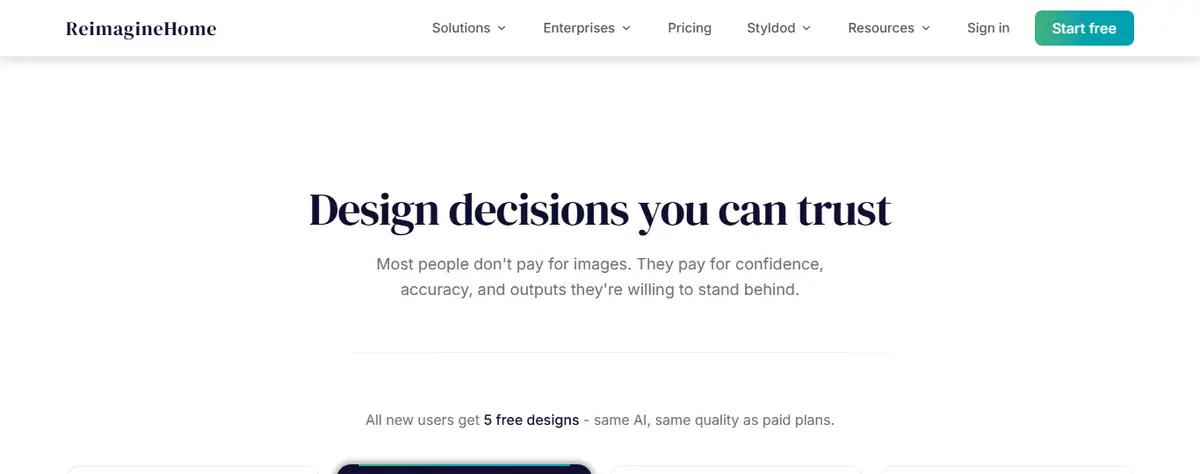
Price: $19 per month for 30 credits, $36 for 200, $59 for 400, $119 for 900, monthly. Every new user gets 5 free designs, no card needed. See the price page.
Watch out for: Label staged photos, keep the originals next to them, and never hide defects.
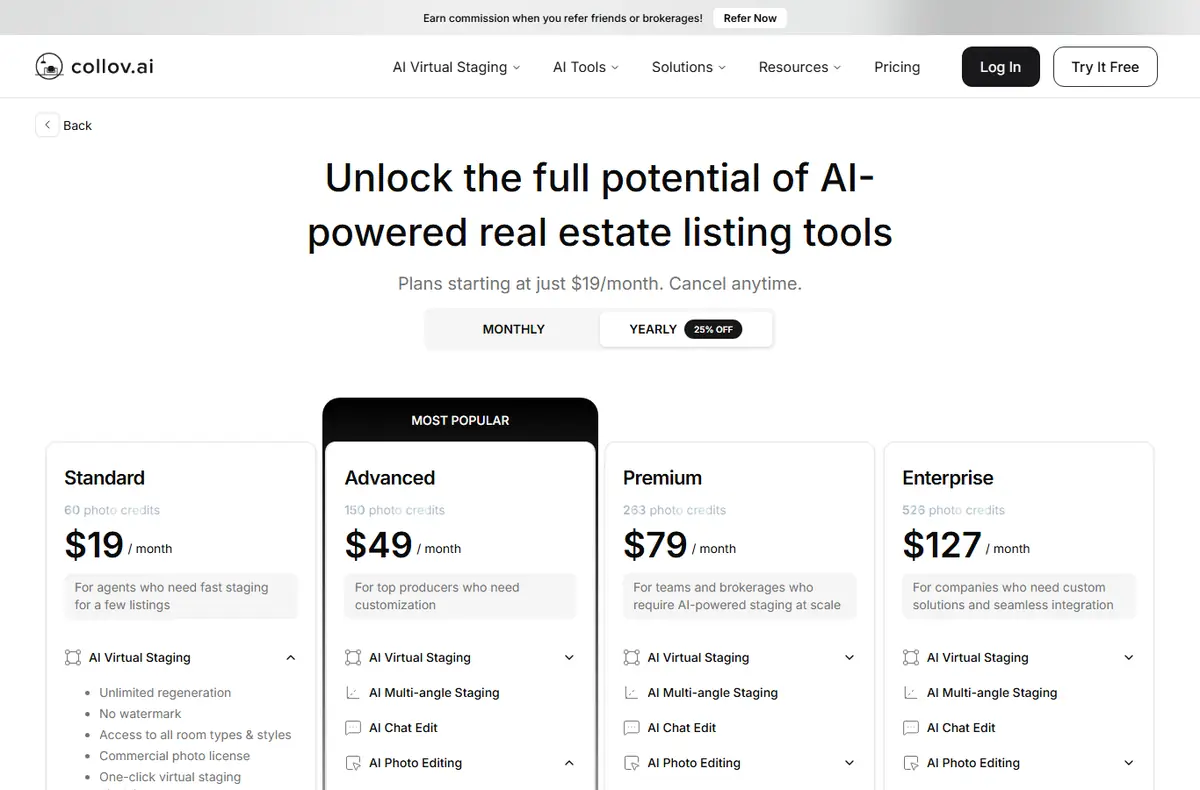
What it does: AI virtual staging and photo editing for listing photos.
Who it is for: Agents and brokerages that stage in volume.
Price: Standard $19, Advanced $49, Premium $79 and Enterprise $127 per month, shown billed yearly ($228 to $1,524 a year). "Try It Free" on the page. See the price page.
Watch out for: Label staged photos, keep the originals next to them, and never hide defects.
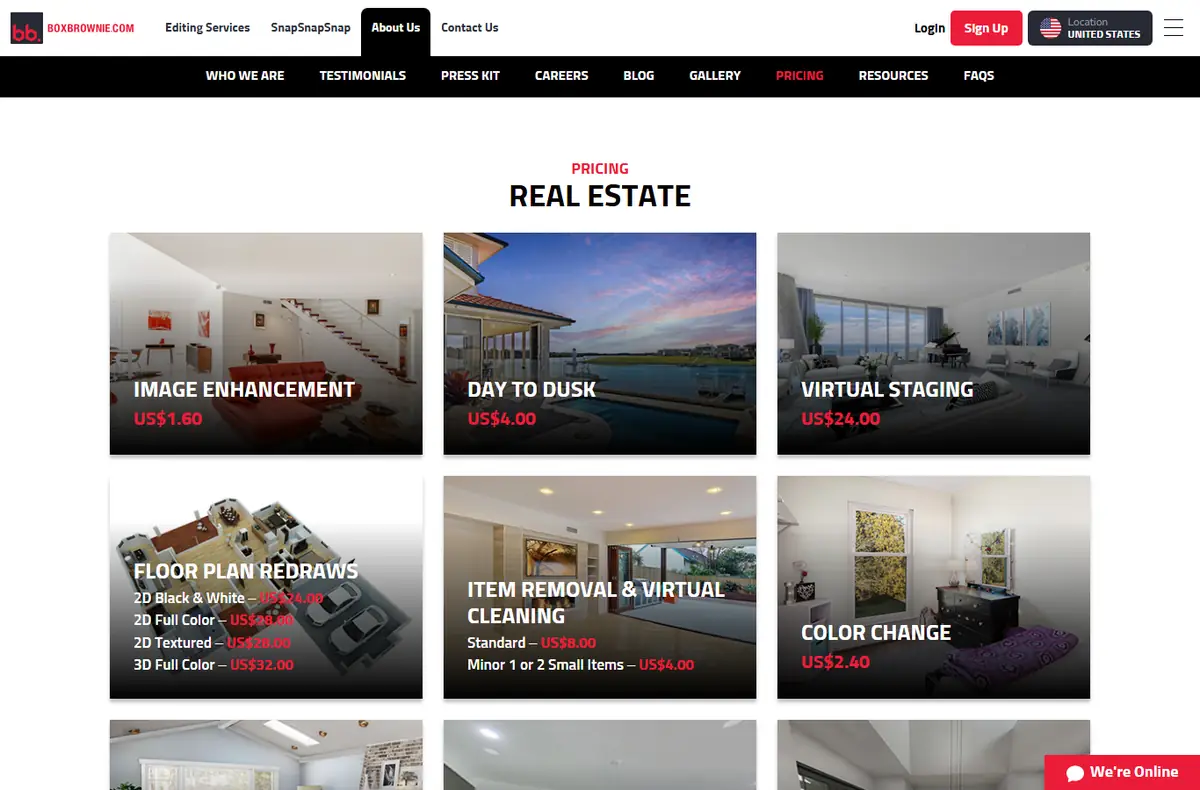
What it does: A human photo editing service: virtual staging, day-to-dusk, item removal, floor plans and copywriting, priced per job.
Who it is for: Agents who stage now and then and want a person to do the edit.
Price: Virtual staging US$24 per image, image enhancement US$1.60, day to dusk US$4, item removal from US$4, listing copy from US$28 for up to 150 words. Pay per order, no plan. See the price page.
Watch out for: Label staged photos, keep the originals next to them, and never hide defects.
Transaction tools hold the contract, the e-signatures and the checklist from offer to close. They are less about AI and more about not losing a document. Brokers usually choose these, so check what your office already pays for.
dotloop
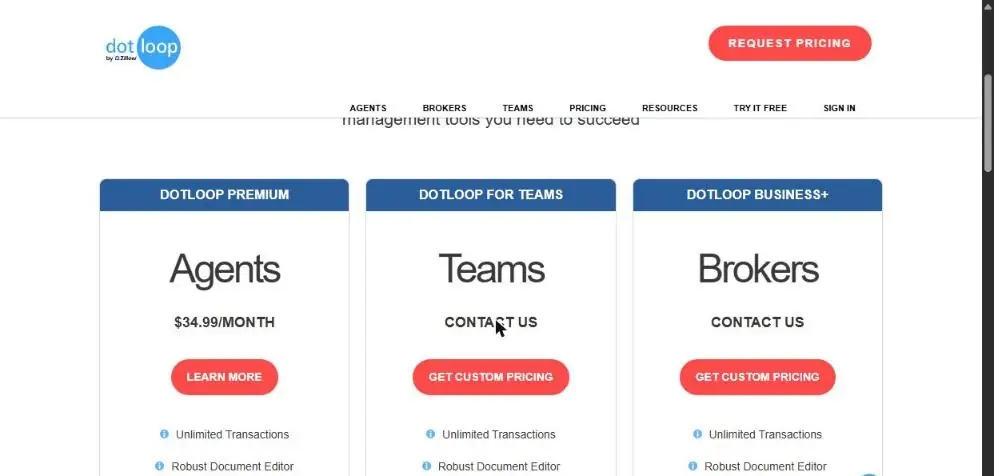
What it does: Transaction management: forms, e-signatures, document storage and audit trail in one "loop" per deal.
Who it is for: Agents whose brokerage does not provide a transaction system, plus teams and brokers. Owned by Zillow.
Price: Agents (dotloop Premium) $34.99 per month; Teams and Brokers "Contact us". The same page also shows a "Buy for $29 user/month" banner and a "Try it free" link. See the price page.
Watch out for: Keep client documents inside the transaction system, not in a chat assistant. Check your state’s rules on how long files must be kept.
Showing tools book, confirm and collect feedback on showings so you are not trading texts with three agents and a seller. In many markets the MLS decides which one you use.
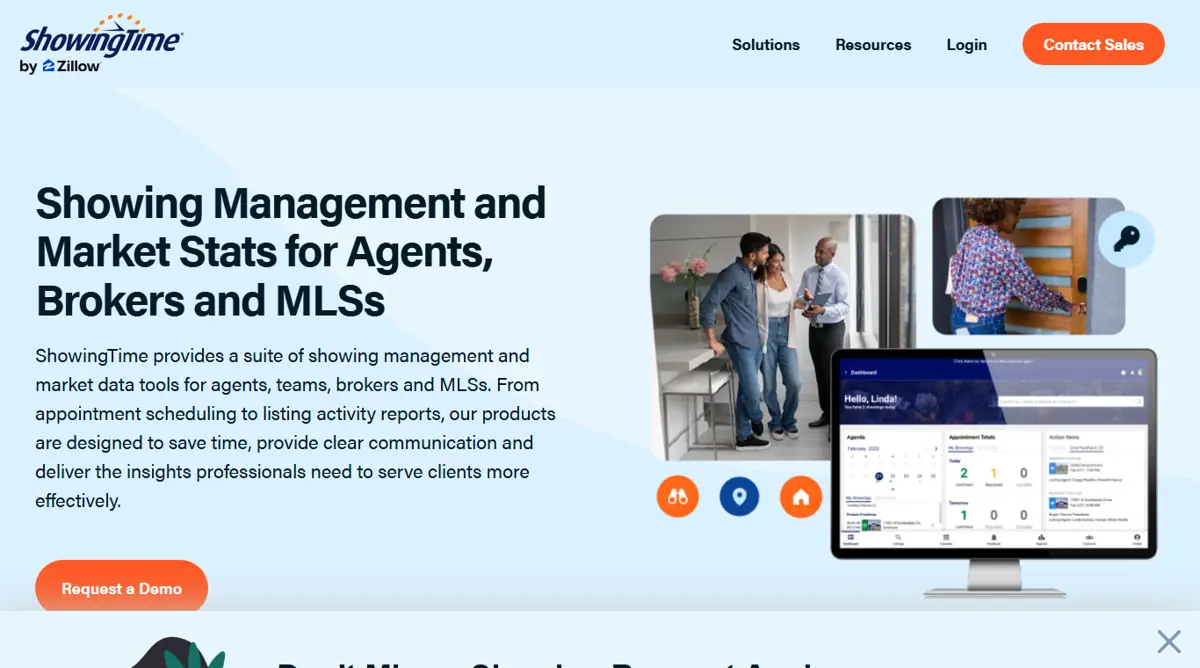
ShowingTime
What it does: Showing requests, confirmations and feedback for agents, brokers and MLSs, with a 24/7 appointment center option.
Who it is for: Listing agents and brokerages. Many MLSs provide it to members. Owned by Zillow.
Price: No public price. The site sends you to "Contact Sales" or "Request a Demo", and access often comes through your MLS. See the price page.
These are not built for real estate, but agents use them every day: to draft an email, summarize an inspection report, plan a week of posts or take notes on a call. They are cheap and flexible. They also know nothing about your market unless you tell them, and they can be wrong.
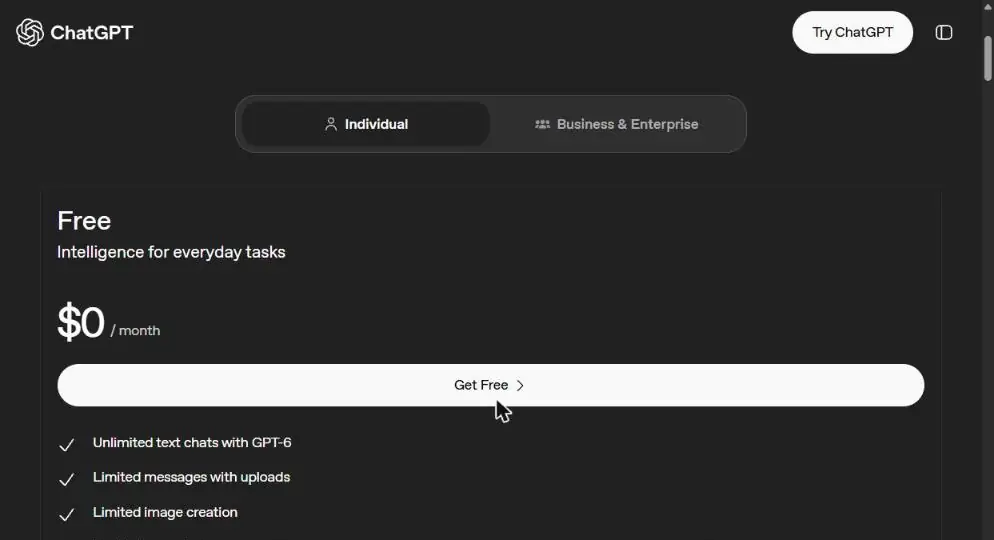
ChatGPT
What it does: A general AI assistant for drafting emails, summarizing documents, planning posts and answering questions.
Who it is for: Every agent. Most start here.
Price: Free $0, Go $8 per month (may include ads), Plus $20 per month, and a Pro plan; Business and Enterprise are on a separate tab. See the price page.
Watch out for: Keep Social Security numbers, bank details and full contracts out of the chat.
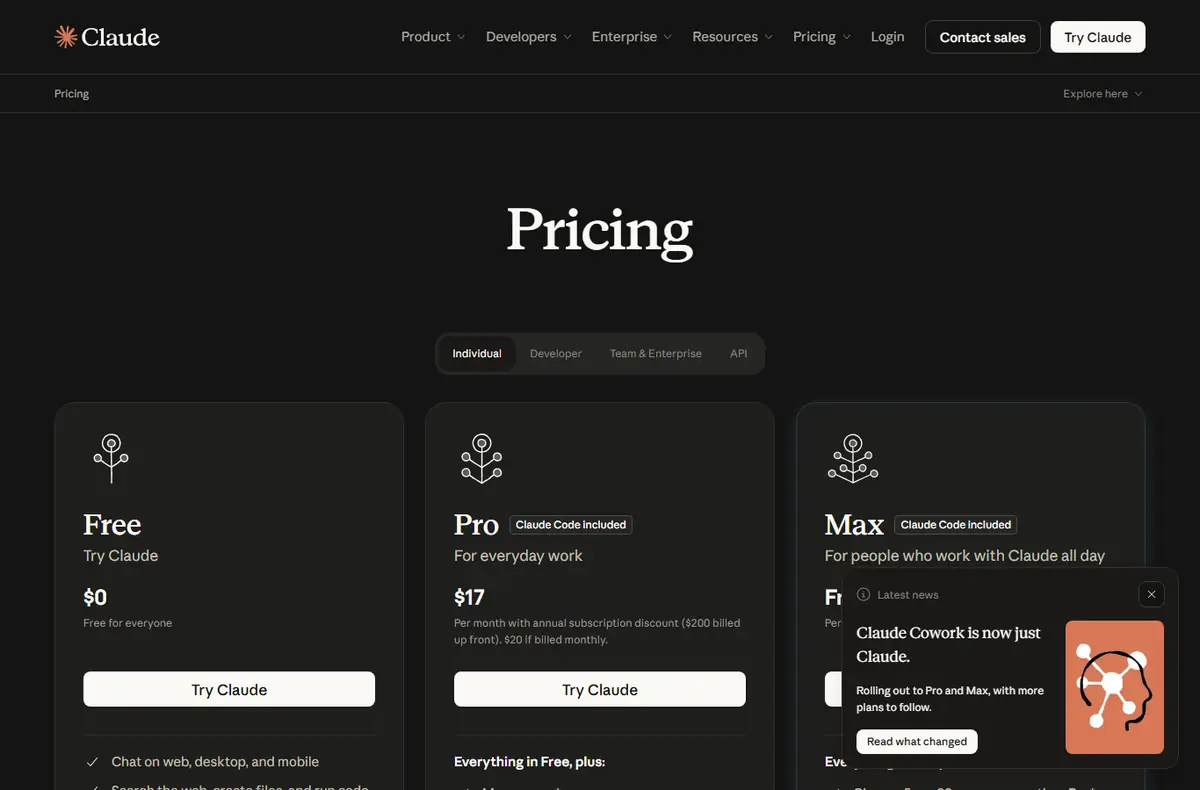
What it does: A general AI assistant from Anthropic. Agents use it to read long documents like disclosures, HOA rules and inspection reports and to draft replies.
Who it is for: Agents who read and write a lot.
Price: Free $0. Pro $20 per month billed monthly, or $17 per month billed yearly ($200 up front). Max from $100 per month. See the price page.
Watch out for: Keep Social Security numbers, bank details and full contracts out of the chat.
What it does: Google’s AI assistant, signed in with your Google Account.
Who it is for: Agents who already live in Gmail and Google Calendar.
Price: Free with a Google Account. Google AI Plus $4.99 per month, Google AI Pro $19.99 per month, Google AI Ultra from $99.99 per month. See the price page.
Watch out for: Keep Social Security numbers, bank details and full contracts out of the chat.
They do not know your market, your clients or your broker’s rules unless you set them up that way. They do not take responsibility for an ad, a text or a contract. And most of them do not talk to each other, so you end up as the person copying a lead from the website into the CRM, then into the transaction file.
A good test before you pay: can the tool read from and write to the system you already use every day? If not, count the minutes you will spend moving data by hand.
Or have it built around how you work
If the tools above cover your jobs, use them. If you are stitching four of them together by hand, or your process does not fit any of them, a custom build can connect the lead, the follow-up and the file in one place, on the accounts you already pay for.
“To make, print, or publish, or cause to be made, printed, or published any notice, statement, or advertisement, with respect to the sale or rental of a dwelling that indicates any preference, limitation, or discrimination based on race, color, religion, sex, handicap, familial status, or national origin”
There is no single best one. Pick by the job that costs you the most deals or hours. For most solo agents that is answering new leads fast and following up for months, so a CRM with good follow-up comes first. A general assistant like ChatGPT, Claude or Gemini is the cheapest place to start.
Are there free AI tools for realtors?
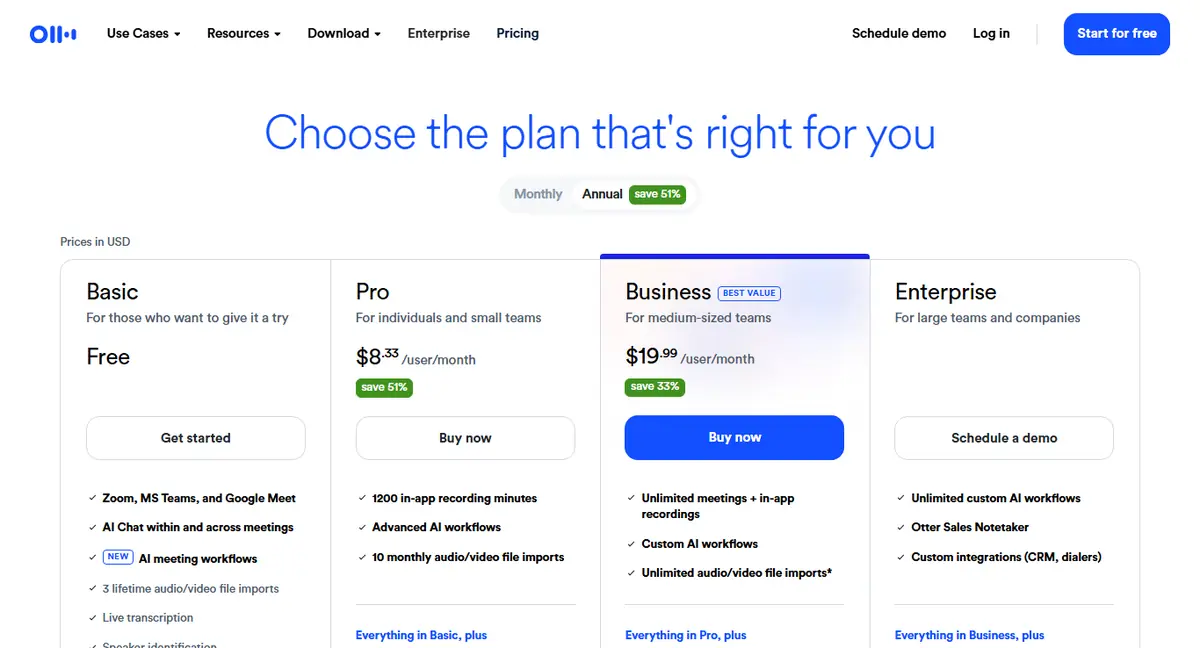
Yes. ChatGPT, Claude, Gemini, Canva and Otter.ai all have free plans, and REimagineHome gives 5 free designs. Follow Up Boss, Write.Homes and Saleswise offer free trials. The real estate platforms that generate leads, like Ylopo, CINC and Lofty, do not publish prices.
Is AI listing copy a fair housing risk?
It can be. The Fair Housing Act bans ads that show a preference based on race, color, religion, sex, disability, familial status or national origin. AI can write phrases like "perfect for a young family" without being asked. Read every draft before it goes out; the agent and broker are responsible, not the tool.
Can AI text my leads for me?
Yes, and several tools on this list do. Automated texts and calls fall under the Telephone Consumer Protection Act, so get clear consent first, stop the moment someone says stop, and make sure the tool records consent.
How often are these prices checked?
Every 90 days. This round was checked on 2026-10-26. If a vendor hides its price, the page says "Pricing on request" instead of guessing.